Configure Autotask Integration Code v1
This document describes how to set up an Autotask Integration Code, which is required to use for Autotask.
-
Log into Autotask.
-
Navigate to
Admin→Account Settings & Users.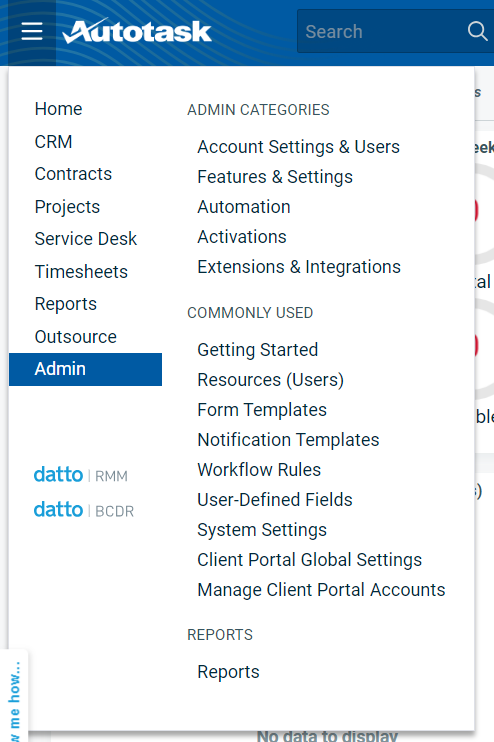
-
Expand
Resources/Users (HR).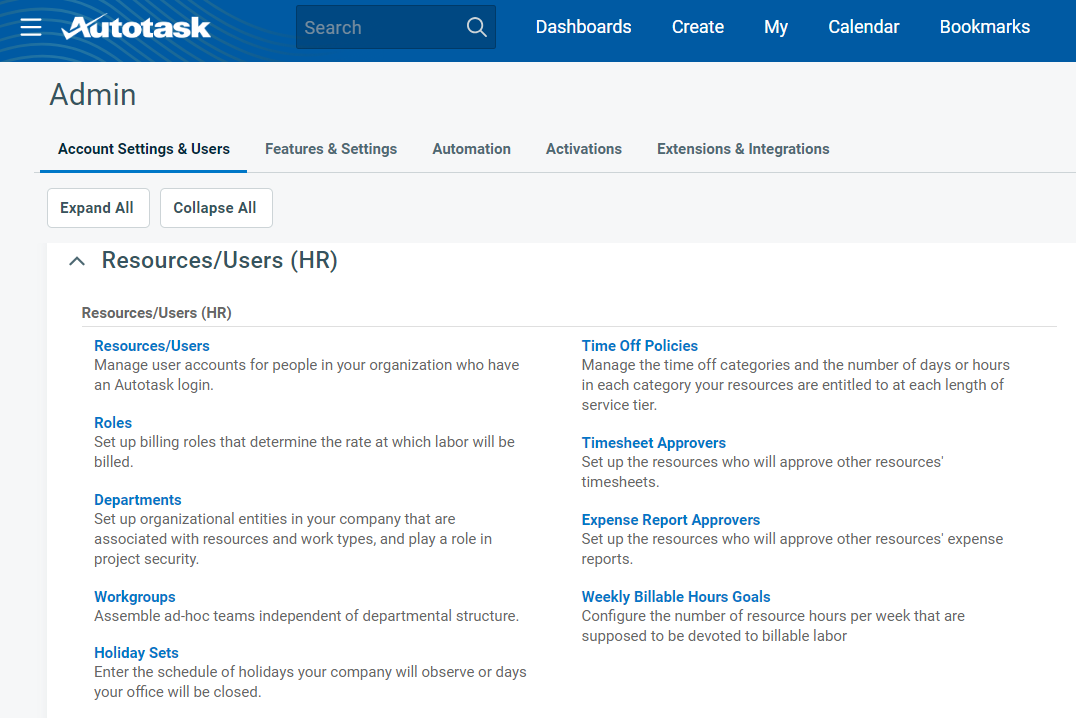
-
Go to
Resources/Users, and clickNew API User.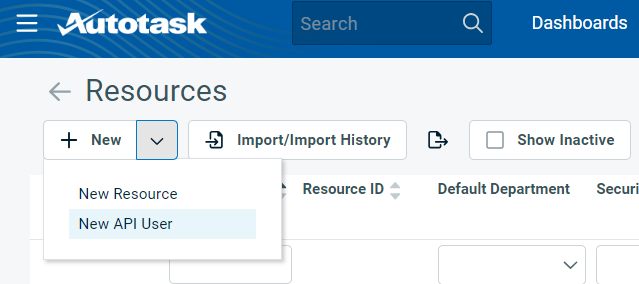
-
Fill in the required details.
-
In the
Credentialssection, generateKeyandSecret. Keep this safe because thisUsernameandPasswordneeds to be updated in the Connection in Flowgear. -
In the
API Tracking Identifiersection, chooseCustom (Internal Integration). This will generate aTracking Identifier. Provide this to Flowgear to configure the Autotask for your Tenant.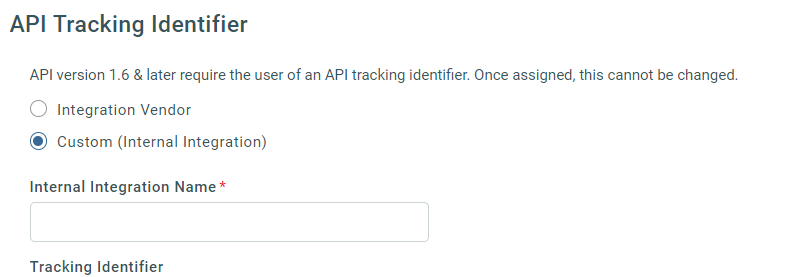
-
Click
Save & Close.
-
Update the Autotask Connection to use these credentials. Provide Flowgear Support with the
Tracking Identifierto configure the Node for your Tenant.